
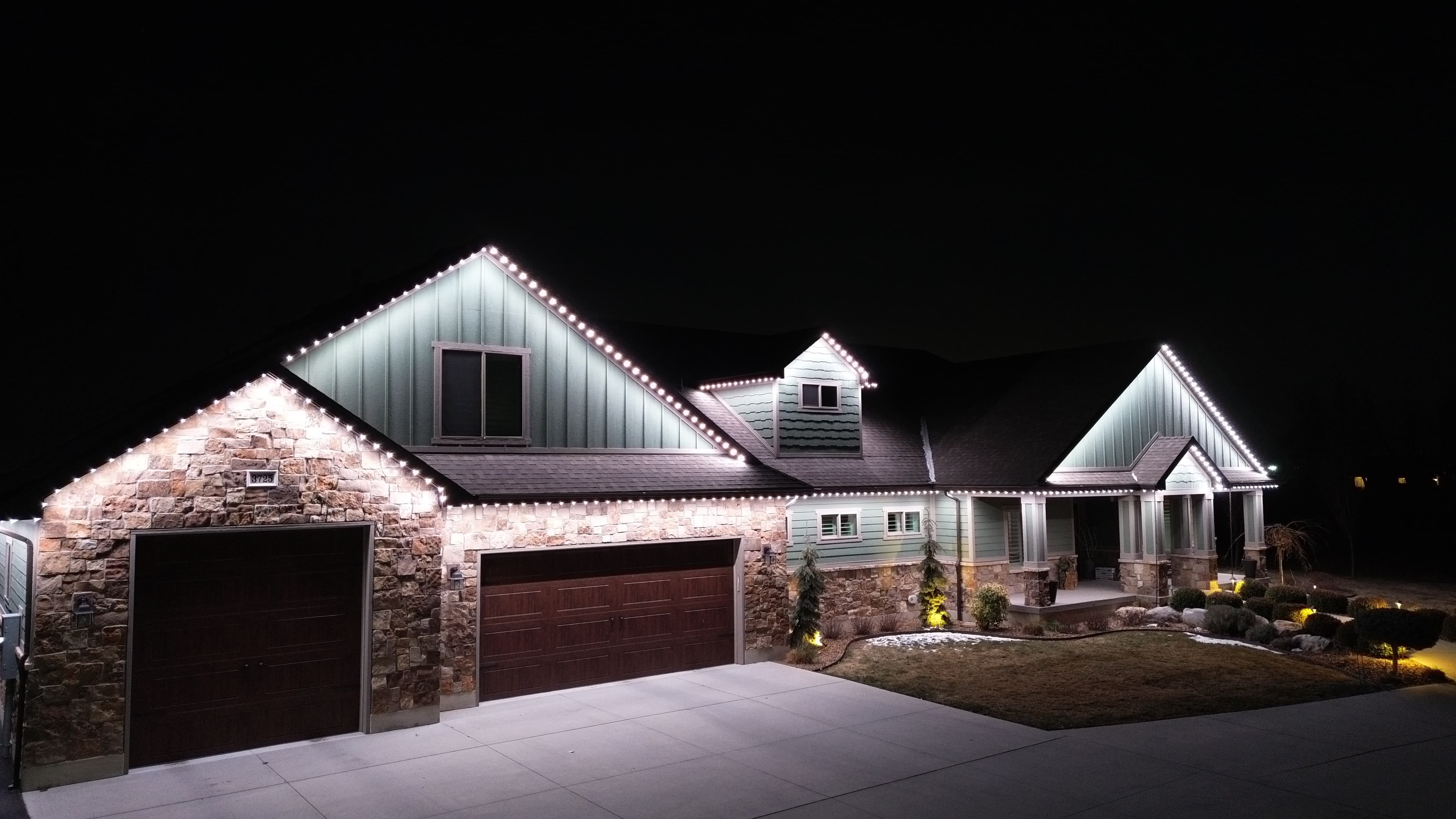
Security Lighting Installation in Austin, TX
TruLight Austin installs permanent LED lighting with app schedules and motion-sensor capability, planned around your entry, driveway and side gate. Security lighting should help you see the areas you use after dark, so the useful question is which areas the proposed installation will illuminate.
New from TruLight, October 2026
Introducing TruLight motion sensors
TruLight's announcement video covers the new motion sensor in about twelve minutes: what it is, how it ties into the app, how it installs in or beside the track, and how it compares with a bolt-on floodlight.
The sensor is not a light. It is a small Bluetooth device that binds to the TruLight app and tells your existing system when to turn a zone on. You assign it a zone, such as the front walkway or the side of the house where the garbage cans are, and a vitality period, the hours it is active. Motion inside that window switches the zone to the security setting you choose, such as bright white. About two minutes after the motion stops, the zone returns to whatever was on before, or turns off if the house was off.
It installs two ways. Most often the installer drills a hole between two lights with a step bit and seats the sensor in the track, so all you see is a small glass bubble between two lights. It can also mount right next to the track, covered by a second piece of track if you want it hidden.
The usual alternative is a floodlight bolted to the house or a post with a sensor on it, both of which need wire and power run to a new fixture. In the announcement, TruLight puts the electrician labor for that at $350 to $650 before the fixture itself. The TruLight sensor is additional hardware priced by the installer, and TruLight expects it to come in under a floodlight install.
TruLight says sensors can be installed into the system you have now.
Already have TruLight?
TruLight Austin can add motion sensors to the system you own. Once a sensor is installed, you set the zone and the active hours in the app.
Start with the entry and route to the house
Look at the path from where you park to the door. Note steps, turns and areas obscured from the existing lights. Repeat that check for a side gate or back entrance if those are part of the project.
Roofline lighting may contribute to that visibility, but it should not be assumed to cover every corner of the yard. Ask whether a separate fixture would serve a particular spot better.
Describe the motion response you want
During the consultation, explain the area you want checked for movement and what you want the lights to do. Ask which sensor and control equipment the proposal includes, how its coverage will be evaluated and how to change the settings.
Discuss what happens after a trigger as well as during it. Ask for a demonstration of the return to the ordinary scene. The equipment and behavior should be confirmed for the proposed installation.
Check brightness from more than one position
A setting that looks bright from the driveway may feel uncomfortable from a chair or bedroom window. Review the proposed lighting from the places where people will use it. Also consider how it faces neighboring windows.
Zoning allows different sections to have separate settings. It can be useful to discuss the front entry independently from a patio where you prefer lower light.
Keep the purpose clear
Lighting is not a replacement for locks, cameras or alarms, and it does not guarantee that a crime will be prevented. A schedule also does not provide backup power. Ask about compatibility before including an existing camera or smart-home device in the planned setup.
For a broader property layout, see outdoor lighting. The smart lighting page covers app and schedule options.
Bring a list of the areas that are difficult to see to your consultation. That gives us a specific visibility problem to discuss rather than a promise that brightness alone protects the whole property.
Related Services
Frequently Asked Questions
No. Lighting can help you see around the property, but it cannot guarantee crime prevention or replace locks, cameras or alarms.
The sensor is a small Bluetooth device, not a light. It sits in the roofline track between two lights or beside the track, and binds to the TruLight app. You assign it to a zone and a vitality period, the hours it is active. Motion inside that window switches the zone to the security setting you choose, such as bright white, and about two minutes after the motion stops the zone returns to its previous pattern. Adjustable sensitivity and a motion log are planned app updates.
Yes. TruLight says sensors can be installed into the system you have now. Contact TruLight Austin to add one to the lights you already own.
The sensor is additional hardware and is priced with the install, since placement affects the work. In TruLight's announcement, the comparison is a wired motion floodlight, where an electrician can charge $350 to $650 before the cost of the fixture. TruLight expects a sensor install to cost less than a floodlight install. Ask for a quote for your home.
Describe the area and behavior you want. Have the proposed sensor equipment, coverage and return to the ordinary scene confirmed during the consultation.
No. Scheduling is not backup power. Ask about the proposed system’s behavior when electrical power is interrupted.
Ready to Secure Your Home?
Get a free instant quote using our satellite estimator, or call us to schedule your in-person consultation.